
Table of Contents
ToggleIntroduction: Google Analytics for Beginners (GA4) – The Future of Analytics
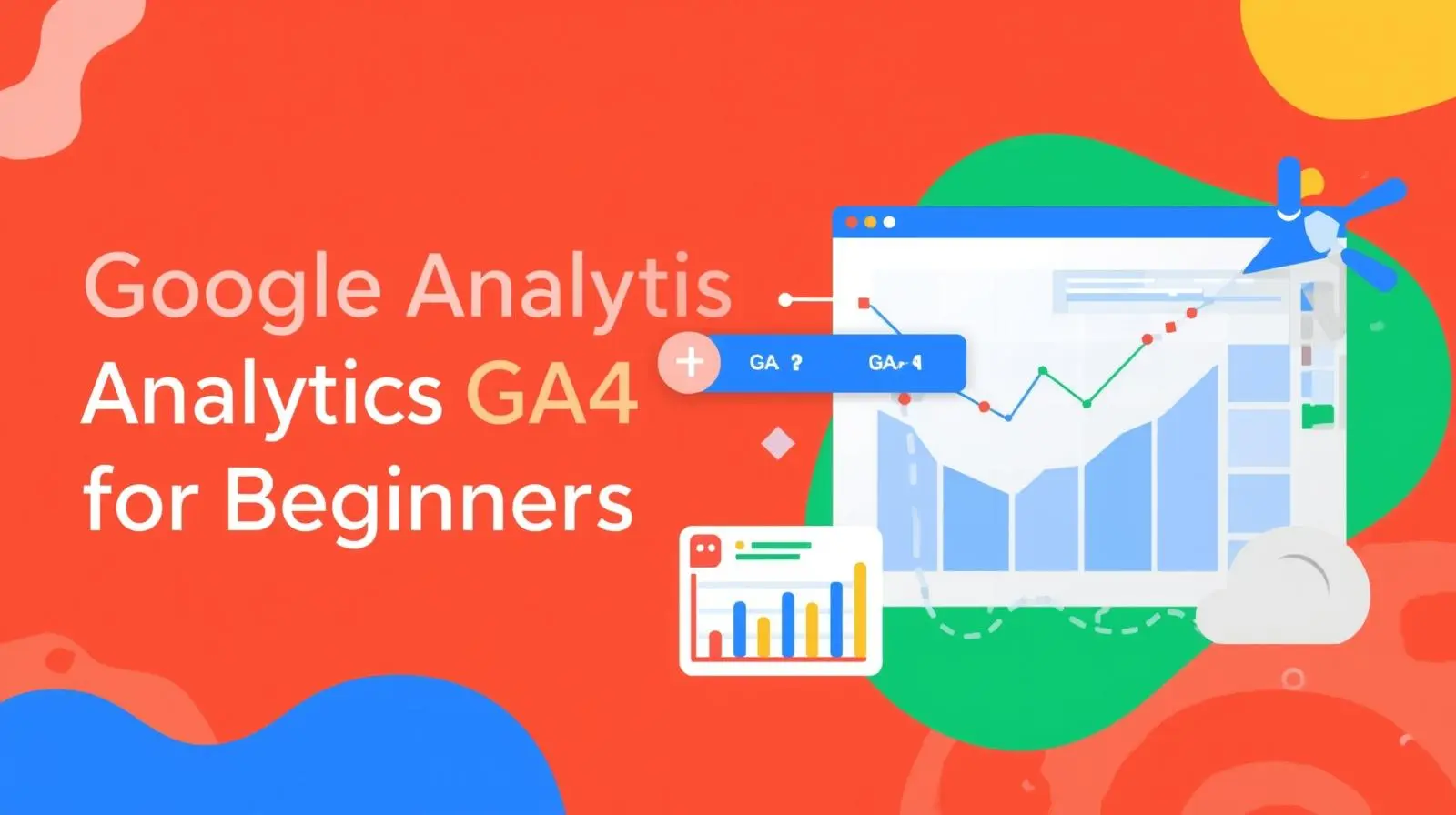
If you’ve ever wondered how your website performs, how users interact with your content, or where your traffic is coming from, Google Analytics 4 (GA4) for beginners is your go-to solution. Designed to replace Universal Analytics, GA4 offers smarter insights, cross-platform tracking, and AI-powered data analysis — essential tools for every business aiming to grow digitally.
At Krawl Tech, we help beginners and business owners set up and master GA4 to make data-driven decisions that boost conversions and online visibility. Whether you’re new to analytics or upgrading from the old version, this beginner’s guide will walk you through the essentials of Google Analytics 4.
What is Google Analytics 4 (GA4)?
Google Analytics 4 (GA4) is Google’s latest analytics platform that tracks user interactions across websites and apps. Unlike Universal Analytics, which focused on sessions, GA4 focuses on events — making data collection more flexible and insightful.
With GA4, you can understand user behavior, predict future actions, and customize reports to measure what truly matters. It’s built to meet modern marketing needs in a privacy-focused, cross-device world.
Why Businesses Need GA4
In today’s competitive digital space, understanding your audience is non-negotiable. GA4 empowers businesses to:
-
Track user journeys across devices and platforms.
-
Measure engagement and retention using advanced event-based metrics.
-
Integrate with Google Ads for better ad performance insights.
-
Use predictive metrics to forecast future user actions.
-
Comply with privacy laws like GDPR with enhanced data control.
At Krawl Tech, our experts use GA4 to help clients discover actionable insights that improve ROI and overall digital marketing performance.
Key Features of GA4 for Beginners
If you’re new to Google Analytics, these are the key features to understand:
1. Event-Based Tracking
GA4 uses event-based tracking instead of sessions. Every user interaction — like clicks, page views, video plays, or downloads — is recorded as an event. This helps you understand how users actually engage with your content.
2. Enhanced Measurement
Without extra setup, GA4 automatically tracks essential interactions such as scrolling, outbound clicks, site search, and video engagement. Beginners can get valuable insights without deep technical knowledge.
3. Cross-Platform Tracking
GA4 merges data from websites and mobile apps into one property, giving you a unified view of your customer journey. This is ideal for businesses running multi-channel marketing campaigns.
4. Predictive Insights
One of GA4’s most powerful upgrades is its machine learning capability. It predicts user behaviors like purchase probability or churn risk, enabling smarter marketing strategies.
5. Custom Reports
The Explorations section in GA4 lets you create customized reports to analyze funnels, user paths, and audience segments. You can focus only on the metrics that matter most to your business.
How to Set Up Google Analytics 4
Setting up GA4 is simple, but you need to follow the right steps to get accurate data.
Here’s a quick guide:
-
Create a GA4 Property:
Go to Google Analytics → Admin → Create Property → Select “GA4.” -
Install the GA4 Tag:
Use Google Tag Manager or insert the GA4 tracking code into your website’s header. -
Set Up Data Streams:
Add both web and app data streams to capture complete user journeys. -
Enable Enhanced Measurement:
Turn on automatic event tracking for scrolls, clicks, and form submissions. -
Link Google Ads:
Integrate GA4 with Google Ads to track campaign performance. -
Test Your Setup:
Use the Realtime Report to ensure your data is being tracked correctly.
If this feels complex — don’t worry. Krawl Tech provides complete GA4 setup services, ensuring everything from data accuracy to report configuration runs seamlessly.
How to Use GA4 Reports Effectively
Once GA4 is live, the next step is understanding your reports. Some must-know reports for beginners include:
-
Realtime Report: See who is on your site right now.
-
Acquisition Report: Discover where your traffic comes from — Google Search, social media, or paid ads.
-
Engagement Report: Learn what users do once they land on your website.
-
Monetization Report: For eCommerce, track product views, purchases, and revenue.
-
Retention Report: Understand how often users return to your site.
At Krawl Tech, we teach clients how to interpret GA4 dashboards to find opportunities for growth, improve campaign performance, and make informed decisions.
Common GA4 Mistakes Beginners Should Avoid
-
Not setting up conversions correctly.
Always define key goals like form submissions, sales, or calls. -
Ignoring data filters.
Exclude internal traffic to avoid skewed analytics. -
Skipping event customization.
Custom events reveal deeper insights about user behavior. -
Not linking Google Ads or Search Console.
These integrations give a complete view of your marketing funnel. -
Failing to check data regularly.
Analytics only works if you review and act on insights consistently.
The Benefits of GA4 for Business Growth
Implementing Google Analytics 4 allows your business to:
-
Identify your best-performing marketing channels.
-
Understand customer behavior in real time.
-
Measure ROI from campaigns with precision.
-
Predict future trends and optimize strategies.
-
Improve user experience and conversion rates.
When set up correctly, GA4 becomes more than just a reporting tool — it’s your digital growth engine.
Conclusion: Start Your GA4 Journey with Krawl Tech
Whether you’re running an eCommerce website, a service-based company, or a growing startup, understanding your audience through Google Analytics 4 is crucial. GA4 gives you powerful insights to make smarter decisions and improve your online presence.
At Krawl Tech, we help beginners and businesses implement, customize, and analyze GA4 for maximum results. From setup to advanced reporting, our team ensures you’re equipped to make data-backed marketing moves.
👉 Visit our Home Page to learn more about our services.
📊 Check out our Google Business Profile to read client reviews.
💬 Follow us on Social Media for tips and updates.
📞 Contact Us today to get expert help setting up your Google Analytics 4 property.